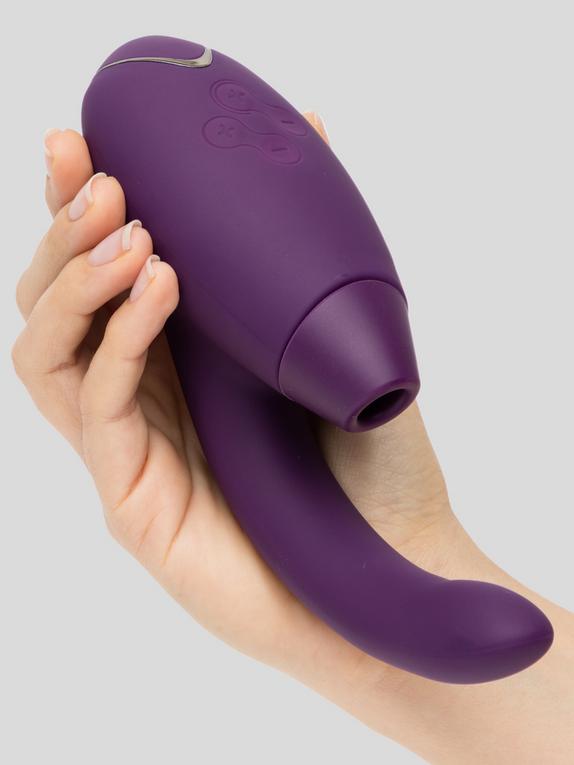
“Nothing to look up” apparently. Think its intended for text
When you long-press on an image does it look like it rises up and sticks to your finger? There’s some chat about a ‘drag and drop’ feature. Apparently you long-press to stick an image to your finger, and then use a second finger to swipe out of that app and open a second one to drop it in. It seems to be on ipads, and moving to phones in September? (could also be bollocks  )
)
Could you try a different browser?
I’ll have to go download one, im using safari atm
Nope, tried using firefox and duckduckgo. Same issue
I am also not getting the drag and drop thing, but i have the most recent update pending, just noticed it.
I’m afraid I’m a bit crap unless I can press all the buttons. The drag and drop thing did seem like a long shot.
I’ve just tried duckduckgo on Android, and that only lets me download rather than copy. It’s all rather inconsistent.
Can you copy a forum picture?

(I’ve left it big )
Yup. No issue.
It just doesnt like the zoom in images 
It sounds a lot like the problem I was having before.  For the quick-trick I had to do it really quick, before the page had even finished loading. And for the gallery one I made image 2 display in the main box, and then long-pressed image 1’s thumbnail to bring up the ‘open in new tab’ option - then flipped to that tab and copied as normal from there.
But if those don’t work, then I’m stumped. 
Nope no success. Thanks for trying though
What about if I just ask @Ian_Chimp to upload a picture of every single item I want then just copy the links out of his posts?  can I just try this please?
2 Likes
Can you click on the image in the onebox and grab it from there?
It’s an odd size. I think it might be thumbnail quality. Perhaps not then.

But not so bad at 50%?
Here you go.

Ok, @Ian_Chimp, @Green_Eyed_Girl and to anyone else who might find this helpful.
I’ve figured out a successful way - albeit a little laborious - of getting and using images using iOS devices. You’ll also need the help of your best friend @discobot.
If you long press an image on the Lovehoney Website in Safari, it will highlight the picture in blue and you’ll be able to copy it like you would copy text.
Now, go and start a private chat with @discobot, here you’ll be able to write things and post things that only he and you will see - also definitely @Lovehoney_Brenna if things get weird, suspicious and or if your account gets audited and examined so trust me, keep things tame and within the rules 
Paste the image here and post it. You’ll see it’s a massive oversized image and not in the correct format you want it. If you now long press and hold that new image that’s in your @disco chat, you can successfully copy it’s link and paste it into a new reply below and hey presto, the image is perfect quality in the correct format ready to be re-sized to 200x265 if required!
Yay! thanks @discobot for putting up with my endless nonsense I send you.
2 Likes
Hi! To find out what I can do, say @discobot display help.
2 Likes
Could you paste one into here so I can see what you see?

Sorry, I was looking for the interim image. The one you copy from the product page, and then paste into your Discobot topic. 

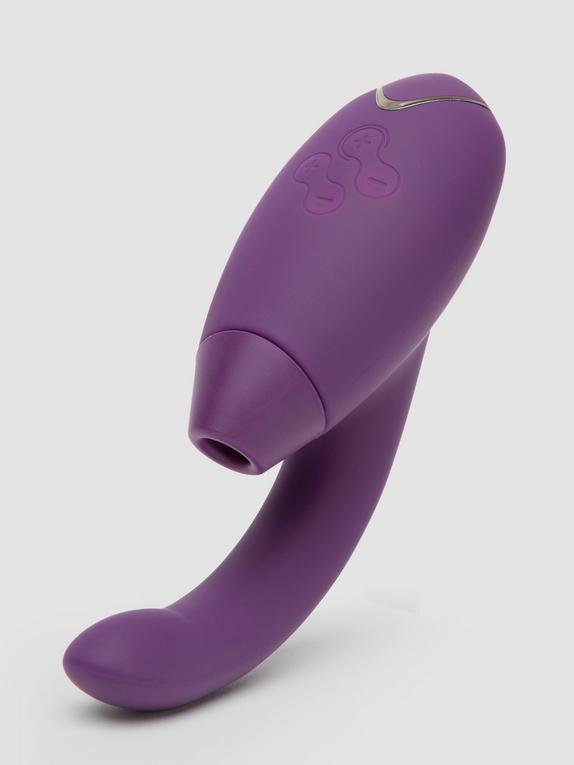
You can add in the size manually if you wanted to skip the Discobot step? Just add a |200x265 into the square brackets where it normally lives.